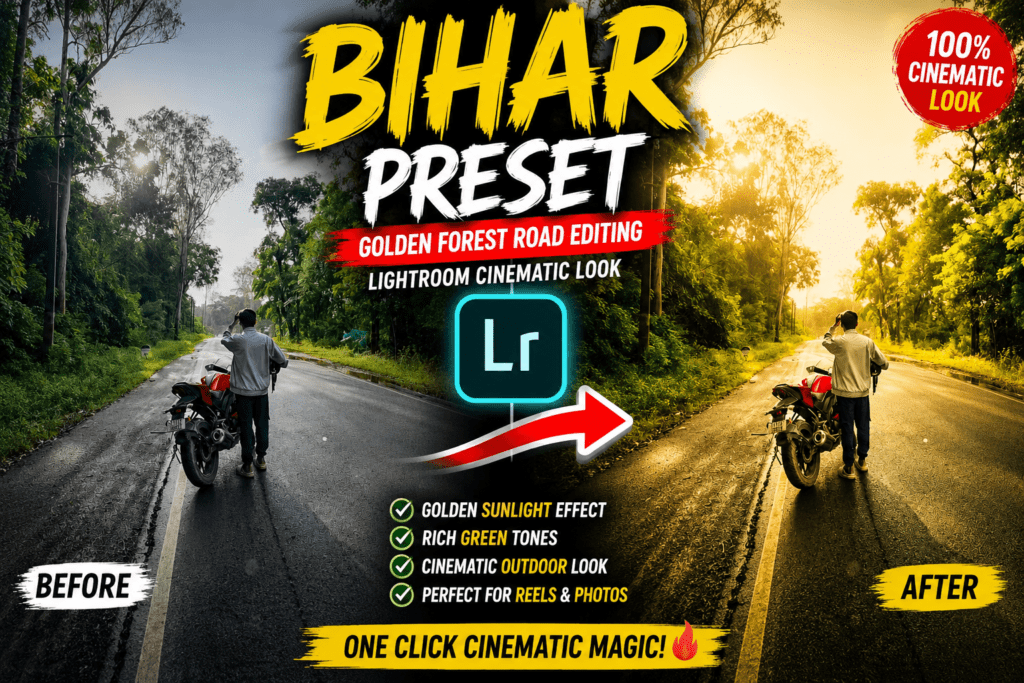
Golden Forest Road Cinematic Editing Guide Using Bihar Preset
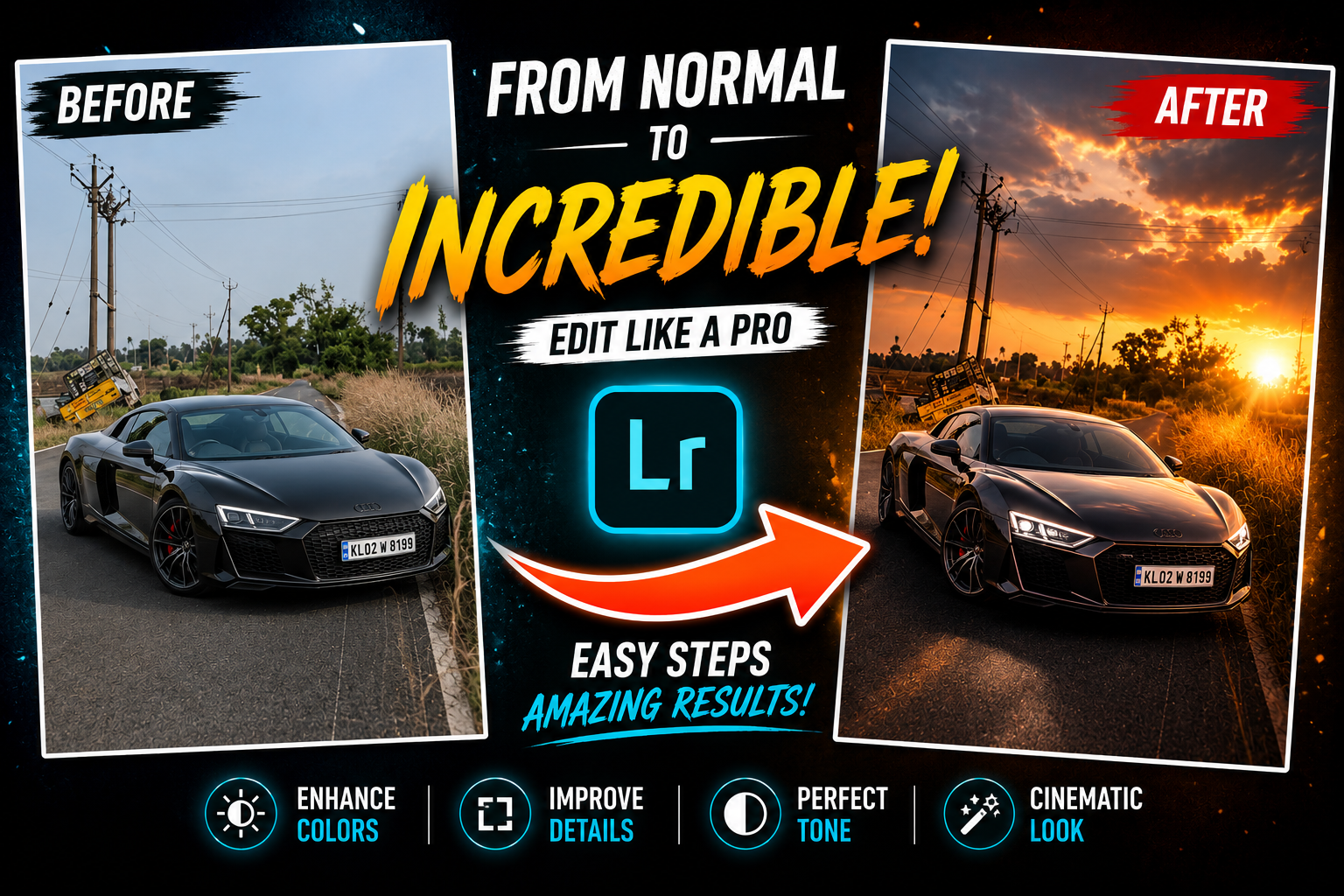
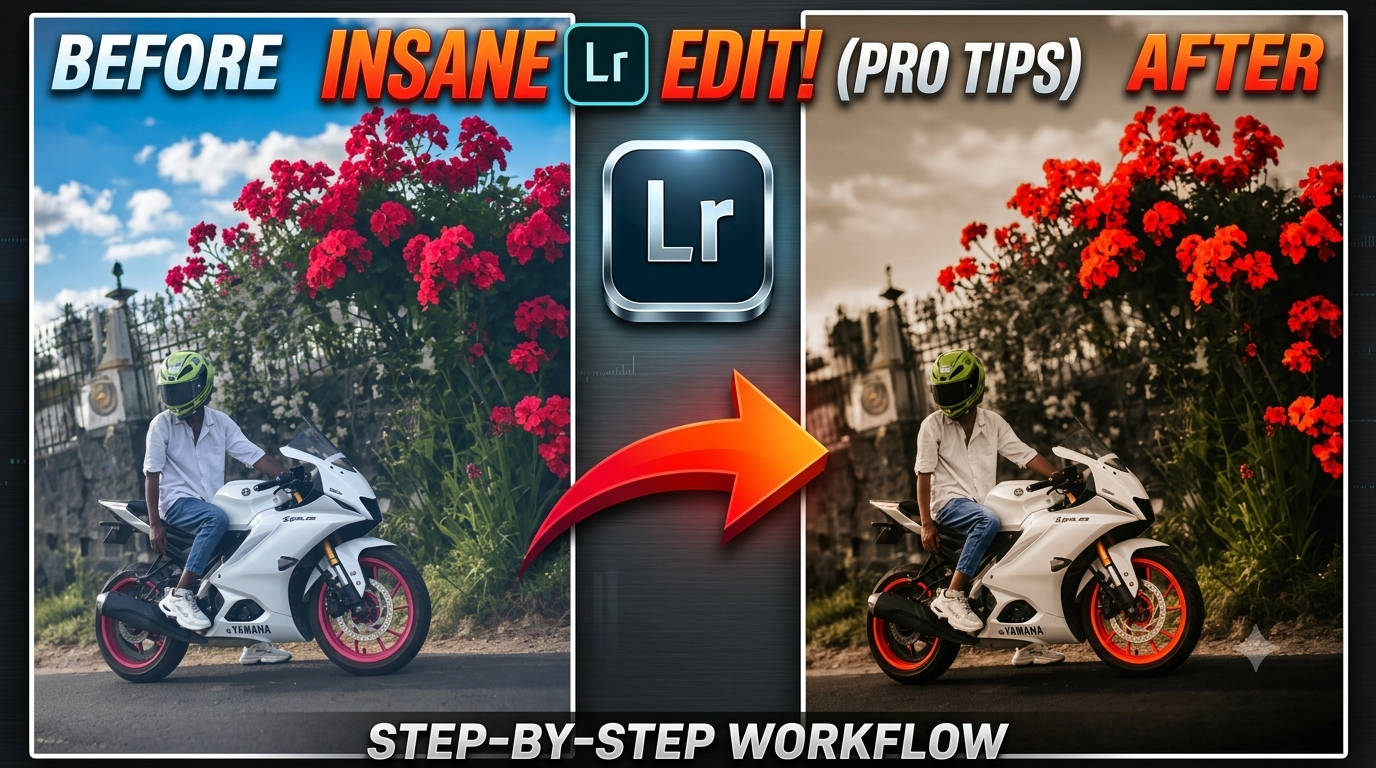
Forest road photography naturally bahut attractive lagti hai, lekin agar aap Bihar Preset style Lightroom color grading use karte ho, to simple outdoor image bhi professional cinematic masterpiece ban sakti hai. Is editing guide me hum step-by-step Lightroom settings explain karenge jisse aap apni travel, bike aur nature photos ko viral aesthetic look de sakte ho.
Ye Bihar Preset inspired editing specially Instagram reels, thumbnails, DP editing aur cinematic outdoor photography ke liye perfect hai.
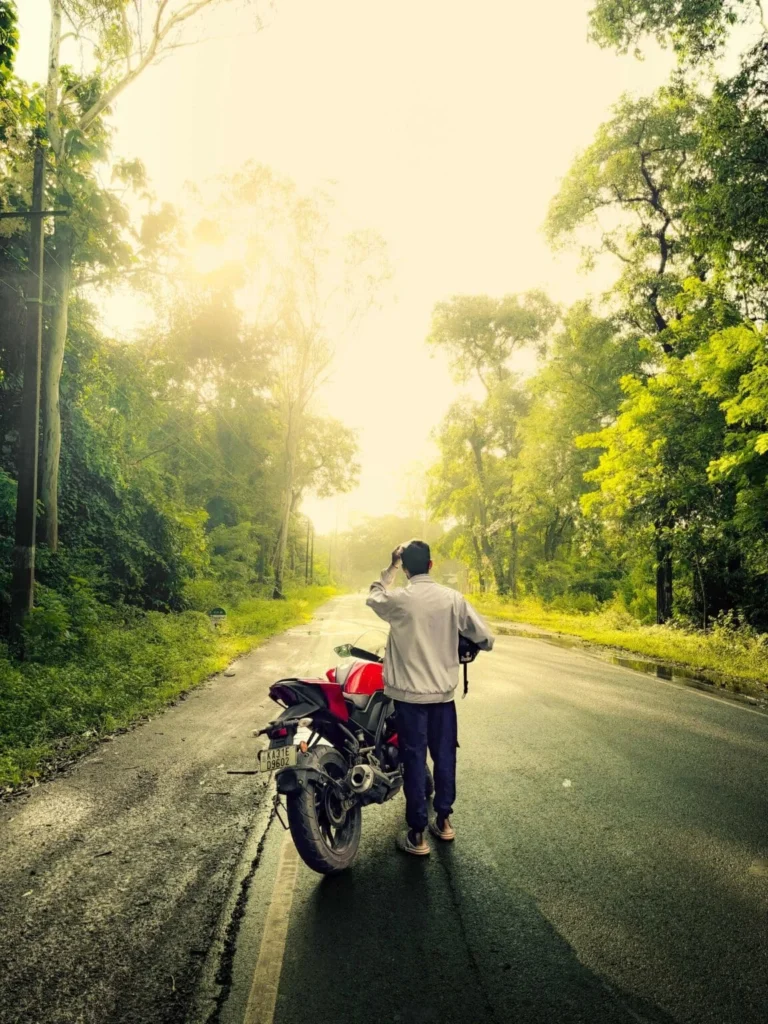
Lightroom Bihar Preset Editing Settings
Basic Panel Settings
- Exposure: +0.40
- Contrast: +30
- Highlights: -60
- Shadows: +45
- Whites: +20
- Blacks: -25
Ye settings photo me balanced contrast create karti hain aur cinematic sunlight glow enhance karti hain.
Color Settings
- Temperature: +18
- Tint: +5
- Vibrance: +25
- Saturation: -5
Warm tones aur vibrance increase karne se Bihar Preset style golden outdoor look create hota hai jo photo ko premium cinematic feel deta hai.
HSL Panel Settings
Green Color
- Hue: -15
- Saturation: +20
- Luminance: +10
Yellow Color
- Hue: -10
- Saturation: +15
Blue Color
- Saturation: -40
Green aur yellow tones ko enhance karne se forest ka natural cinematic environment create hota hai. Blue saturation reduce karne se image zyada aesthetic aur professional lagti hai.
Masking Technique
Sky Mask
Sky highlights ko reduce karein taaki image overexposed na lage aur cinematic balance maintain rahe.
Radial Mask on Sun Area
Sunlight area me radial mask apply karke exposure increase karein for realistic golden glow effect.
Subject Mask
Subject par clarity aur brightness add karein taaki person sharp aur highlighted dikhe.
Why This Bihar Preset Forest Edit Looks Amazing?
- Golden sunlight movie-style cinematic feel create karta hai
- Rich green tones nature photos ko eye-catching banate hain
- Travel aur bike photography me high engagement milta hai
- Instagram reels aur posts ke liye perfect editing style hai
- Bihar Preset warm tones photos ko premium aesthetic look dete hain
Best Photos For This Bihar Preset Editing
Ye preset style in photos par sabse accha result deta hai:
- Forest road photography
- Bike photoshoot
- Travel portraits
- Nature photography
- Sunset outdoor images
- Cinematic Instagram reel covers
Frequently Asked Questions
How to create golden sunlight effect in Lightroom?
Golden sunlight effect create karne ke liye temperature increase karein, highlights reduce karein aur radial mask use karke sunlight area me warm glow add karein.
Best Lightroom settings for forest photography?
Forest photography ke liye green HSL tones adjust karein, warm highlights add karein aur blue saturation slightly reduce karein for cinematic Bihar Preset outdoor look.
Can I use this Bihar Preset editing style in Lightroom Mobile?
Haan, ye complete editing settings Lightroom Mobile app me bhi easily use ki ja sakti hain aur professional cinematic result deti hain.
Final Words
Agar aap apni outdoor aur forest road photos ko cinematic movie style look dena chahte ho, to ye Bihar Preset inspired Lightroom editing settings aapke liye perfect hain. Proper color grading, warm sunlight effect aur masking technique use karke aap simple image ko bhi viral aesthetic masterpiece bana sakte ho.
Leave a Reply