AI photo editing prompts are one of the fastest ways to turn a simple idea into a striking image. Whether you want a cinematic portrait, a festival scene, or a dramatic fashion look, the right prompt can save time and improve the final result.
This guide brings together three high-impact prompt styles that work well across popular tools like ChatGPT, Gemini, and Midjourney. You will also learn how to adjust them for better lighting, stronger subject detail, and more consistent results.
For a broader look at how generative image tools work, you can explore artificial intelligence art and the official DALL·E 3 page.
AI photo editing prompts for portraits, festivals, and moody scenes
The best AI photo editing prompts usually share the same structure: a clear subject, a specific setting, a lighting direction, and a style reference. That combination helps the model understand not only what to create, but also how the image should feel.
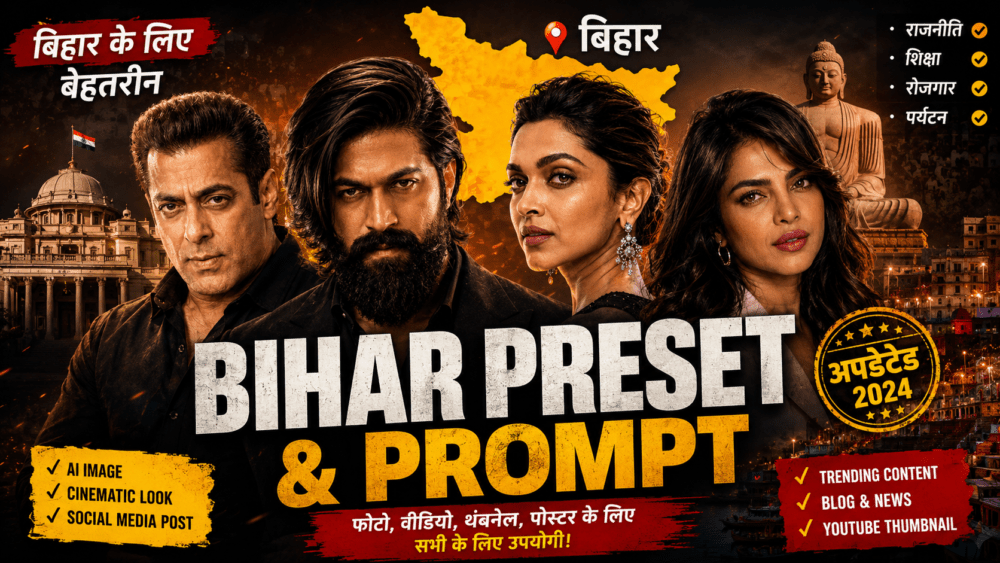
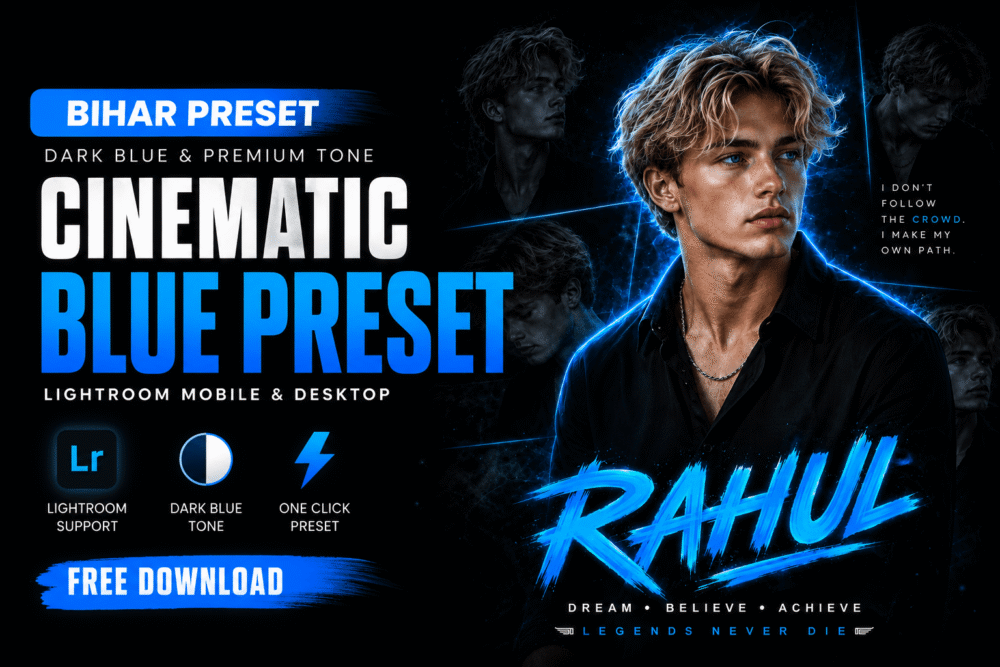
Read Also: city village explore ai video editing prompt guide | AI Eye Matching Prompt (2026): Create Hyper-Realistic Couple Eye Photos with ChatGPT | Bihar Preset
In practice, these prompts work well for creators who want realistic faces, strong color grading, and a polished social-media-ready result. They are also useful for bloggers, designers, and photographers who need fast visual concepts.
| Prompt style | Best use | Visual feel |
|---|---|---|
| Cinematic portrait | Editorial profile pictures and fashion looks | Soft light, shallow depth, premium finish |
| Festival scene | Celebrations, cultural posts, seasonal content | Bright color, atmosphere, documentary realism |
| Moody night portrait | Creative storytelling and dramatic edits | Rain, shadows, neon reflections, emotion |
AI photo editing prompts that work across tools
Good results depend on more than the prompt text alone. You should also pay attention to aspect ratio, reference image quality, and how much detail you add about clothing, weather, and background.
These AI photo editing prompts are especially effective because they leave room for style while still giving the model enough direction. If you want a more natural look, use realistic camera terms and avoid stacking too many conflicting effects.
- Keep the subject description simple and specific.
- Add one strong lighting cue, such as golden hour or neon rim light.
- Include location details only when they matter to the scene.
- Use style words like cinematic, documentary, editorial, or ultra-realistic sparingly.
- Regenerate once or twice if the face, pose, or background feels off.
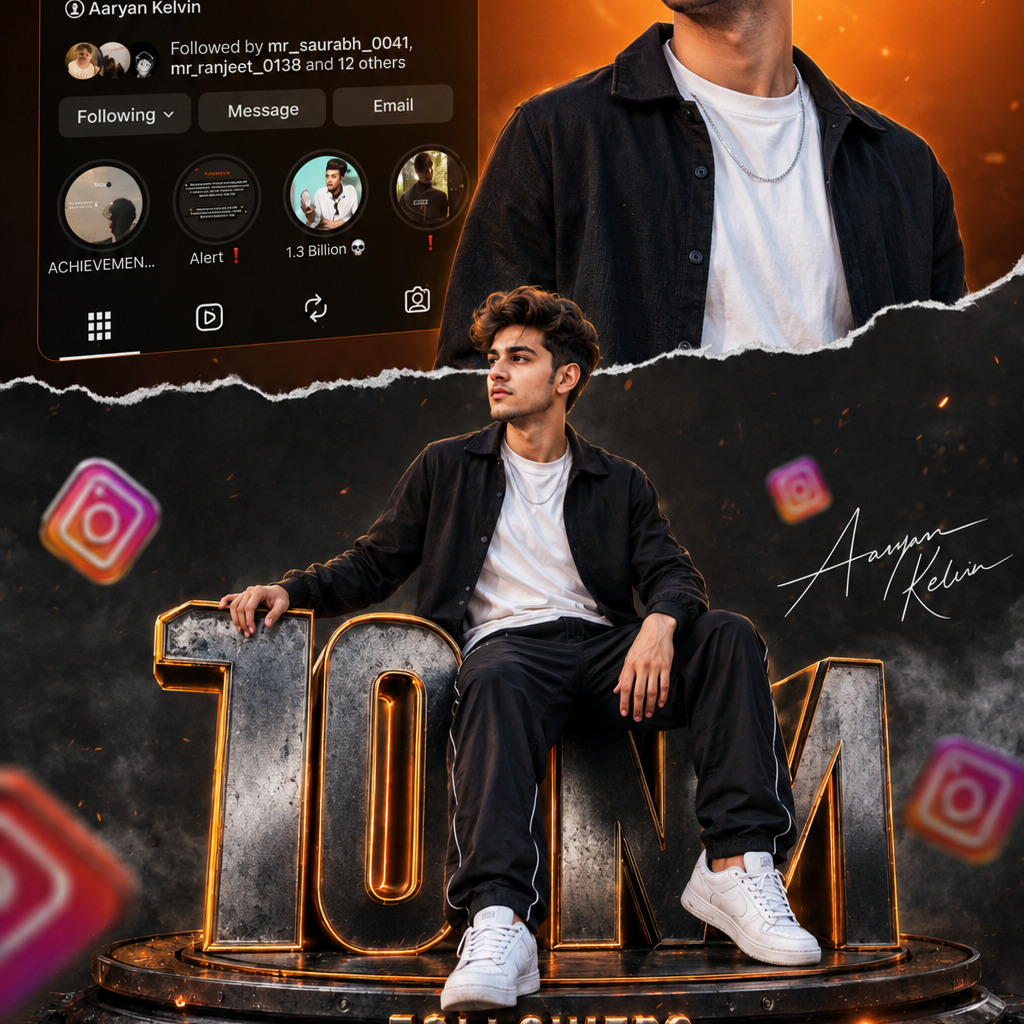
Cinematic portrait style for polished results
This first prompt style is ideal when you want a clean, premium portrait with strong visual depth. It works well for profile images, creator branding, and fashion-inspired edits.
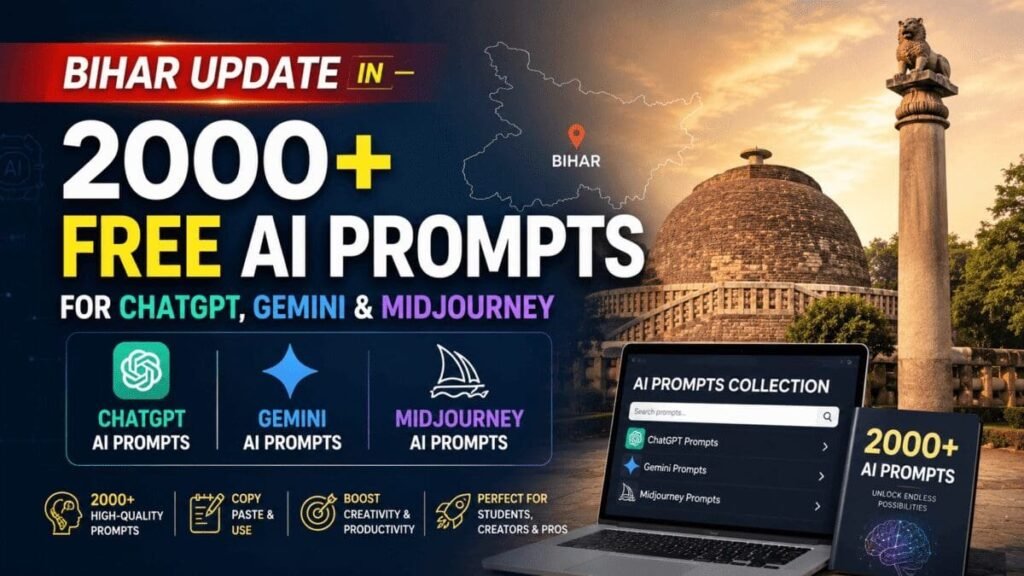
After using it, try changing the outfit color or background location to better match your own idea. Small edits often make the image feel more personal without losing the original style.
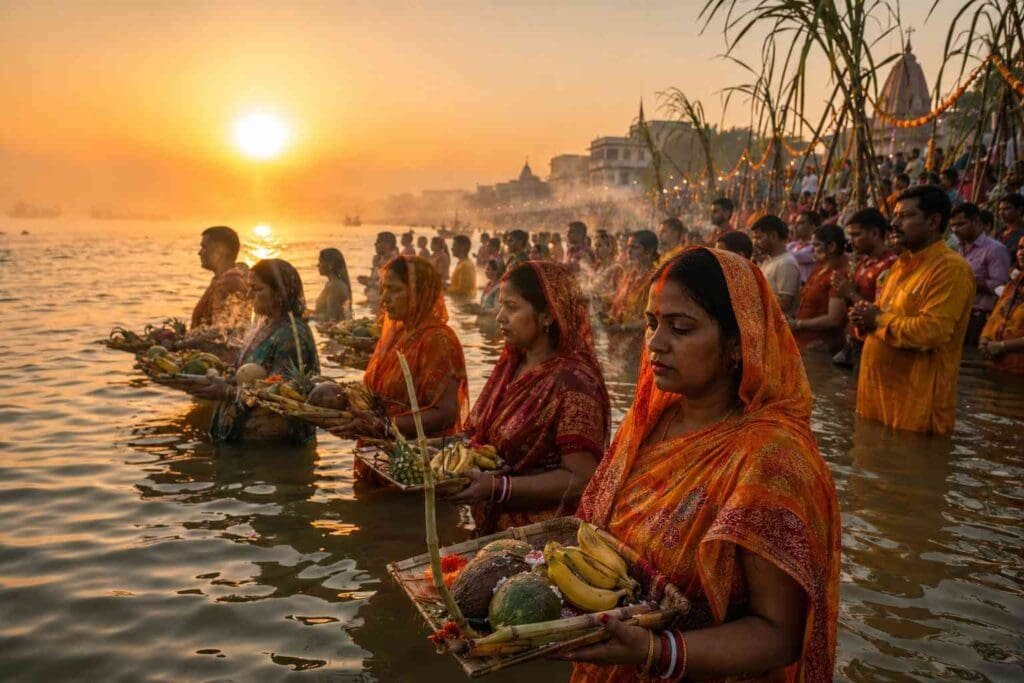
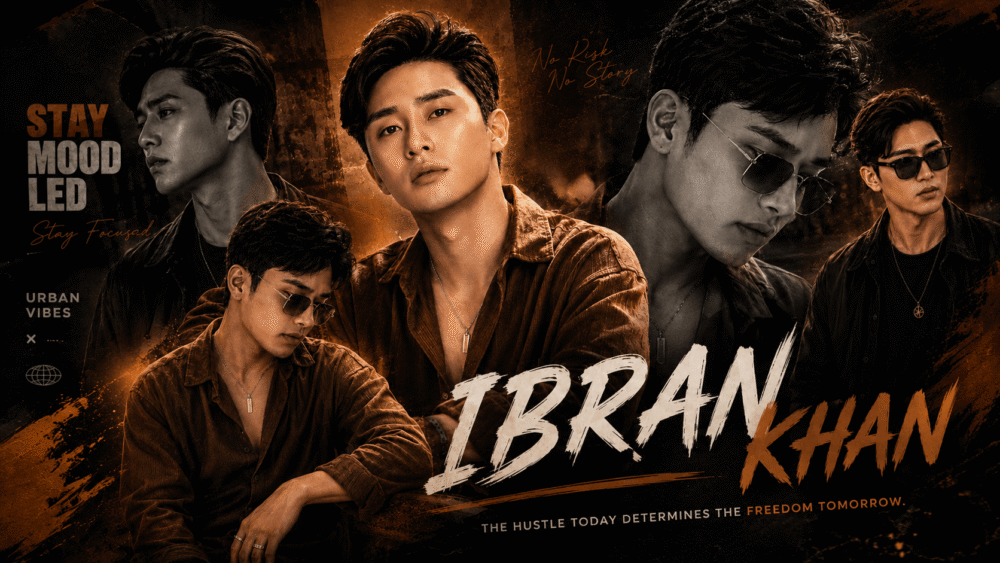
Festival sunrise style for cultural storytelling
This second prompt style is built for atmosphere, community, and a strong sense of place. It is especially useful for festival content, travel visuals, and editorial storytelling.
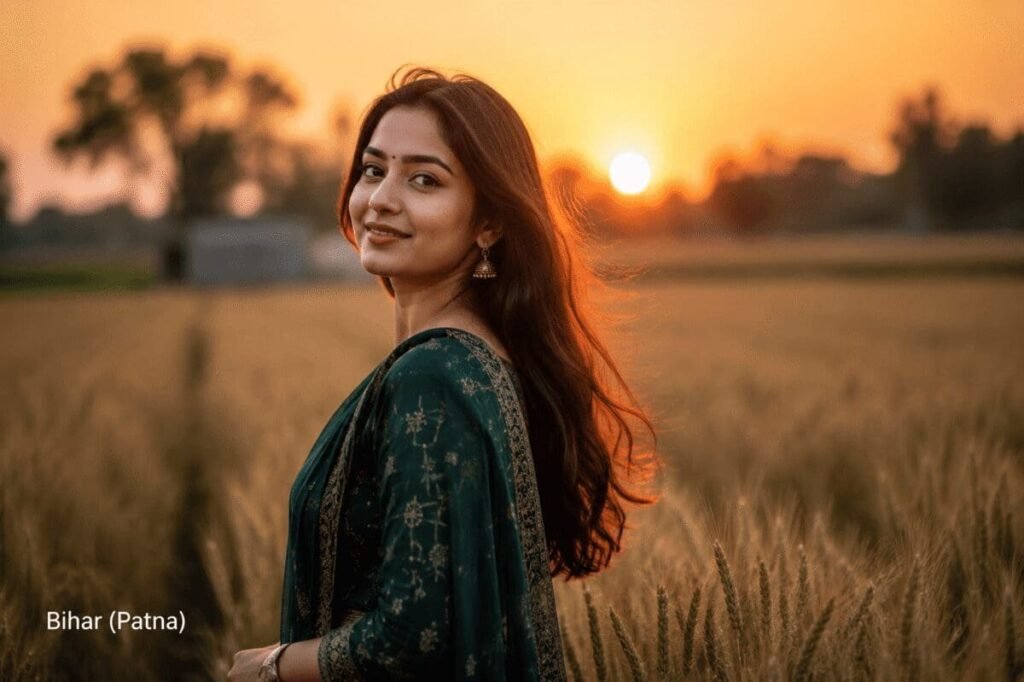
If you want a stronger regional look, adjust the river, clothing colors, or time of day. That can make the final result feel much more authentic and visually grounded.
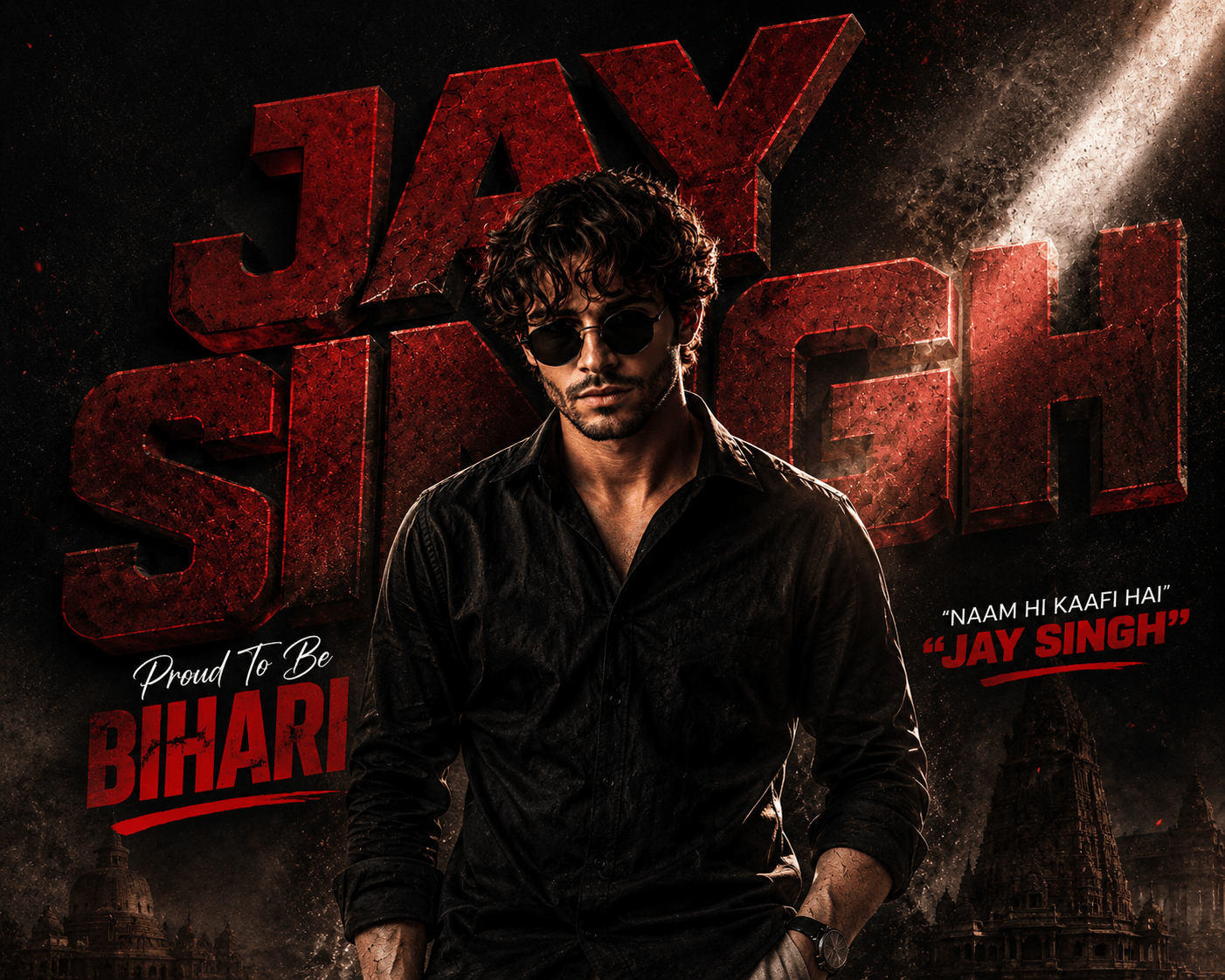
Moody rain portrait style for dramatic visuals
The third prompt style is all about emotion, contrast, and a cinematic night mood. It is a strong choice for storytelling images, artistic portraits, and social posts with a darker aesthetic.
To improve this type of result, keep the scene description focused and avoid adding too many bright elements. A simple setting usually makes the rain, reflections, and subject expression stand out more clearly.
How to improve AI photo editing prompts for better output
If your first result is close but not perfect, do not rewrite everything. Instead, refine one part at a time, such as the background, lens type, or facial expression. That approach keeps the image stable while helping you move toward the exact look you want.
AI photo editing prompts also perform better when you use a consistent formula. For example: subject + environment + lighting + camera style + final mood. This structure gives the tool a clear creative path.
- Start with the subject and clothing.
- Add the scene and time of day.
- Include one or two camera or lens details.
- Finish with quality terms like ultra-realistic or editorial.
Tip: if the image looks too artificial, reduce the number of style modifiers and focus on realism, lighting, and facial detail.
AI photo editing prompts for common creative goals
Different creators use prompts for different outcomes. Some want a portrait that looks like magazine photography, while others need a festive family scene or a rainy city mood. The good news is that the same core writing method can support all of these goals.
When using AI photo editing prompts, think about the final use first. A thumbnail needs bold contrast, while a personal portrait may need softer skin tones and more natural light.
- For profile pictures: choose simple backgrounds and flattering light.
- For festival posts: emphasize colors, ritual details, and ambience.
- For fashion visuals: mention pose, fabric texture, and editorial styling.
- For cinematic scenes: include weather, reflections, and dramatic shadows.
AI photo editing prompts FAQ
What are AI photo editing prompts?
AI photo editing prompts are written instructions that guide an image model to create a specific visual style. They usually describe the subject, setting, lighting, and mood. The more clearly you write them, the more useful the output tends to be.
How do I make AI photo editing prompts work better?
Use simple language, clear details, and one strong visual direction at a time. Avoid overloading the prompt with too many style references. If needed, regenerate and make small edits instead of changing everything.
Can AI photo editing prompts be used in different tools?
Yes, many prompt structures work across tools like ChatGPT, Gemini, and Midjourney. However, each platform may interpret style words slightly differently. That is why it helps to test and adjust your wording.
What makes a strong AI photo editing prompt?
A strong prompt gives the model a clear subject, a believable scene, and a visual mood. Camera terms, lighting cues, and texture details can also improve the result. In short, specific details usually create better images than vague instructions.
Conclusion: use AI photo editing prompts with purpose
The best results come from prompts that are clear, visual, and easy for the model to follow. With the right structure, AI photo editing prompts can help you create portraits, festival scenes, and cinematic edits that feel polished and original. Try these ideas, refine them for your own style, and start creating stronger images today.
Leave a Reply